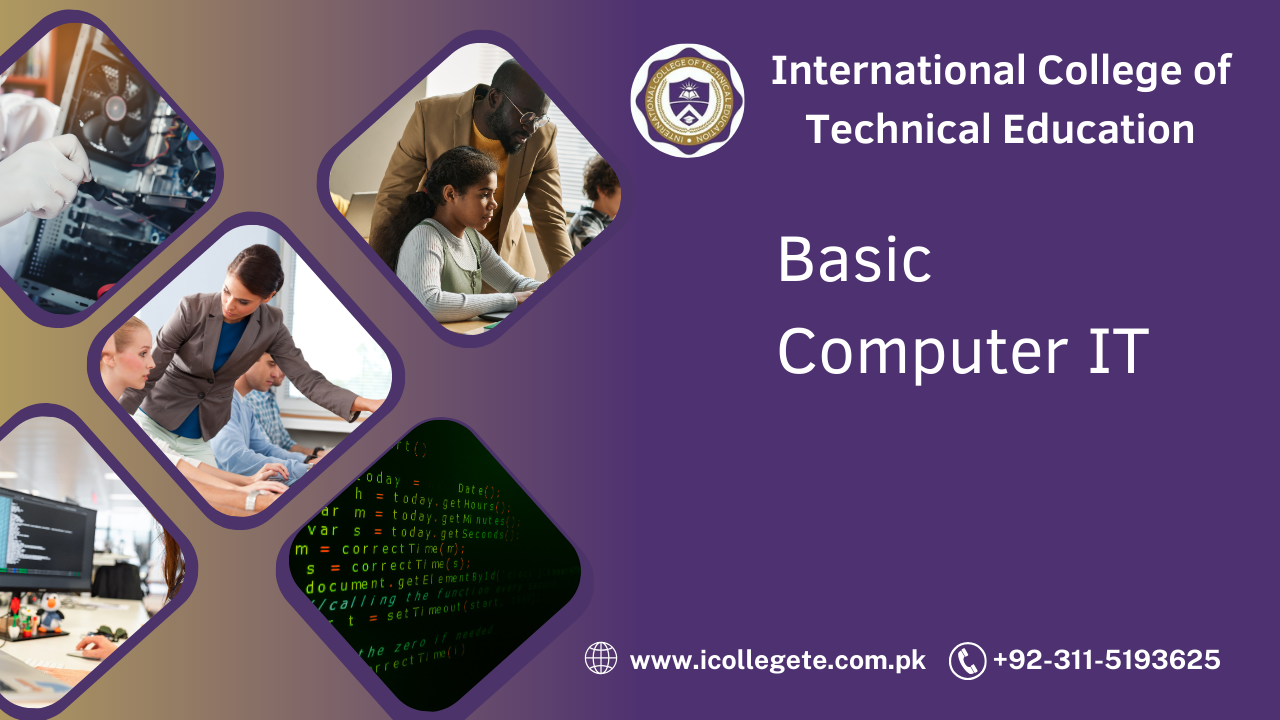
The Basic Computer IT course in Gujranwala is designed for individuals who want to develop a foundational understanding of computers and information technology. This course provides essential knowledge of computer operations, software applications, and basic IT skills, which are crucial for navigating the modern digital world. Whether you’re a beginner or looking to refresh your skills, this course is an excellent starting point for anyone interested in gaining proficiency with computers.
Course Overview:
This course covers a wide range of fundamental IT topics, focusing on both theoretical knowledge and practical skills. Students will learn how to use various computer software applications, manage files and documents, understand the internet, and handle basic troubleshooting. The course is structured to give learners a comprehensive introduction to the world of computers, with a focus on practical applications that can be used in everyday tasks.
Study Units:
- Introduction to Computers: An overview of computer hardware and software, understanding the different types of computers, and how they work.
- Operating Systems: Introduction to various operating systems, with a focus on Windows. Basic tasks such as managing files, settings, and system tools are covered.
- Word Processing: Learning how to use word processing software like Microsoft Word. This includes creating, editing, formatting, and saving documents.
- Spreadsheets: Understanding the basics of spreadsheet software like Microsoft Excel. Topics include creating spreadsheets, working with formulas, and formatting cells.
- Internet and Email: Using the internet effectively, browsing websites, managing online searches, and sending, receiving, and organizing emails.
- Basic Troubleshooting: Identifying common computer problems and learning how to fix basic issues such as system errors, software crashes, or network connectivity problems.
- File Management: Understanding how to organize, store, and retrieve files efficiently. This also includes working with cloud storage solutions.
- Introduction to Security and Privacy: Basic knowledge of online security, data protection, and how to avoid online threats such as viruses, malware, and phishing attacks.
Learning Outcomes:
By the end of the Basic Computer IT course, students will:
- Gain a thorough understanding of how computers function, including their hardware and software components.
- Be able to use common operating systems and applications with confidence, such as Windows and Microsoft Office.
- Know how to create, edit, and format documents and spreadsheets.
- Understand how to browse the internet, send emails, and use basic online tools for communication and information gathering.
- Be able to troubleshoot basic computer issues and perform routine maintenance tasks.
- Have a solid foundation in online safety and security to protect personal information and avoid cyber threats.
Course Benefits:
- Foundational IT Skills: This course provides the core skills required to operate computers and use essential software effectively.
- Improved Productivity: By mastering tools like word processors and spreadsheets, learners can significantly increase their productivity in both personal and professional tasks.
- Career Advancement: Basic computer skills are often a prerequisite for many job roles across various industries. This course gives students the foundational knowledge they need to meet those requirements.
- Confidence with Technology: Learners will gain the confidence to navigate computers and the internet, making them more comfortable in today’s technology-driven world.
- Practical Knowledge: The course focuses on real-world applications, ensuring that students can use their new skills immediately in their day-to-day activities.
Who is This Course For?
The Basic Computer IT course is ideal for:
- Beginners: Individuals with little to no experience in using computers who wish to develop basic IT skills.
- Job Seekers: Anyone looking to enhance their job prospects by acquiring essential computer skills required in most professional environments.
- Students: Those who need to build a strong foundation in computer literacy for academic or personal growth.
- Professionals: Individuals who want to improve their technical skills to increase their efficiency at work.
- Retirees: Older adults looking to stay engaged with technology and improve their understanding of how to use modern devices and online tools.
Future Progression:
After completing the Basic Computer IT course, individuals can explore various career paths and further education in the IT field, including:
- Intermediate IT Courses: Further your skills by taking intermediate-level courses in areas like web development, graphic design, or networking.
- Advanced Office Software: Move on to advanced courses in Microsoft Office applications like Excel, PowerPoint, or Access for more specialized skills.
- IT Support Specialist: For those interested in troubleshooting and helping others with technical issues, further training can lead to a career in IT support.
- Web Development: Build upon your basic computer skills and learn to design and develop websites.
- Computer Programming: Dive into the world of coding and programming languages such as Python, Java, or C++ for a more technical career path.
- Network Administration: Take courses that will allow you to manage computer networks, a critical role in businesses and organizations.
the Basic Computer IT course in Gujranwala offers essential knowledge and skills for anyone looking to become more proficient in using computers and technology. Whether you’re starting from scratch or simply looking to enhance your existing knowledge, this course lays the groundwork for success in a variety of professional and personal endeavors.